Pricing and Markups
Overriding price on a single line
Manually override the price on one part or labor line without changing your shop-wide matrices, and keep your margins visible while you do it.
Your matrices handle the everyday pricing, but real jobs throw curveballs: a price-matched competitor quote, a loyal customer, a part you got a deal on, or a fixed-price special. Pista lets you override the price on a single line without touching your shop-wide settings. The override lives on that one RO only; your defaults stay exactly as you set them. Here is how to do it cleanly, with margins in plain sight.
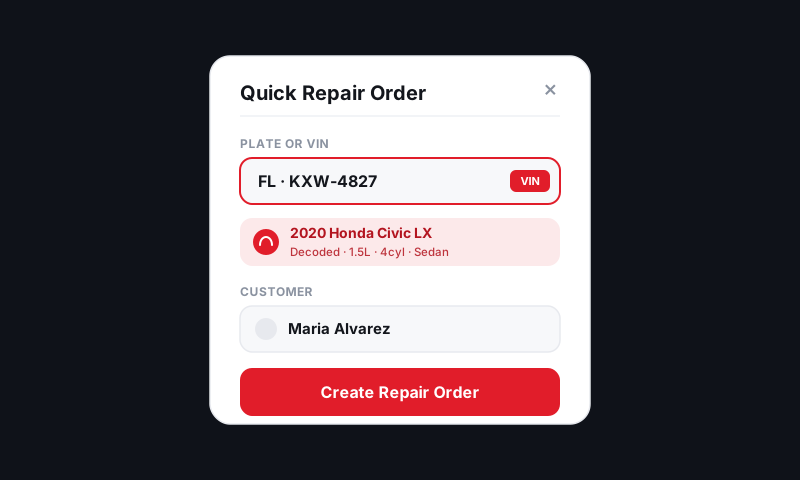
Override a part or labor price
- On the repair order, find the part or labor line.
- Click the sell price field on that line.
- Type the new price, or enter a discount (a percentage or a dollar amount).
- The line updates instantly, and the RO total recalculates.
The matrix-suggested price is still on record underneath, so you and the customer can both see what changed.
Watch your margin as you discount
When you override down, Pista shows the resulting margin and profit on the line right next to the new price. This is the guardrail that stops a friendly discount from quietly turning into a money-losing job.
- Enter the override.
- Read the margin Pista shows beside it.
- If the margin drops below your floor, the field flags it so you can stop before you go underwater.
Tip: When a customer pushes on price, discount labor before parts, or move them to a lower Good, Better, Best tier. Cutting a part below cost to "win" a job is how shops lose money one ticket at a time.
Reset back to the matrix price
Changed your mind, or fat-fingered a number?
- Click the overridden line's price field.
- Choose Reset to default (or clear the override).
- The line snaps back to your matrix-calculated price.
When to override vs when to fix your settings
A one-off override is the right tool for a one-off situation. But if you find yourself overriding the same way over and over, your defaults are wrong, not the job.
- Always discounting tires by hand? Give tires their own matrix. See Auto-applying matrices by part type.
- Always bumping short jobs up? Use a labor-by-hours matrix.
- Always trimming big parts? Add a leaner top band to your parts matrix.
Good to know: Frequent manual overrides are a signal, not a habit to build. The whole point of matrices is that the right price happens without thinking. If you are thinking on every ticket, tune the matrix.
Good to know
- Overrides are per line, per RO. They never change your shop-wide pricing.
- Overrides and discounts show up in your gross-profit reporting, so you can see what discounting is costing you. See Reports.
- Owners can set whether writers may override below a margin floor in pricing permissions.
Override when the moment calls for it, keep one eye on the margin, and let your matrices carry everything else.
Still have a question about overriding price on a single line?
Contact support