Pricing and Markups
The labor markup matrix by hours
Use a labor matrix to charge a higher effective rate on short jobs and a competitive rate on long jobs, automatically by hours.
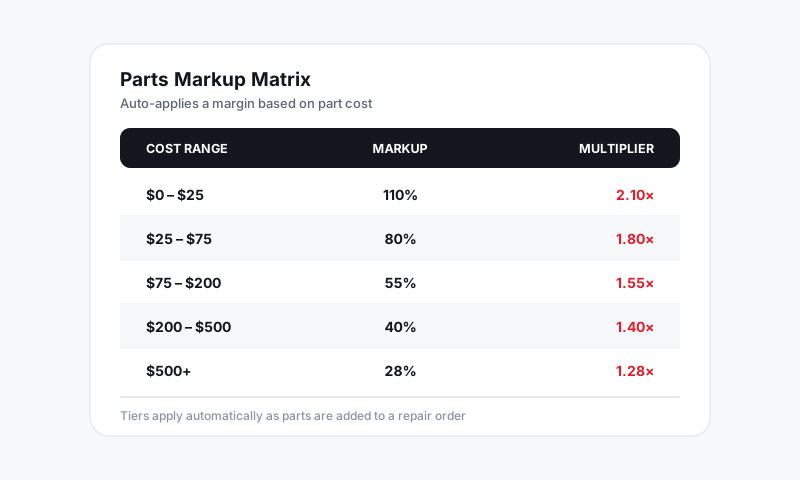
One flat labor rate treats a 0.3-hour job and an 8-hour job the same, and neither one is priced right. The short job barely covers the time to write it up; the long job scares the customer with a big number. A labor markup matrix by hours solves it the same way a parts matrix solves parts: it sets a different effective rate depending on how many hours the job carries, automatically.
How a labor-by-hours matrix works
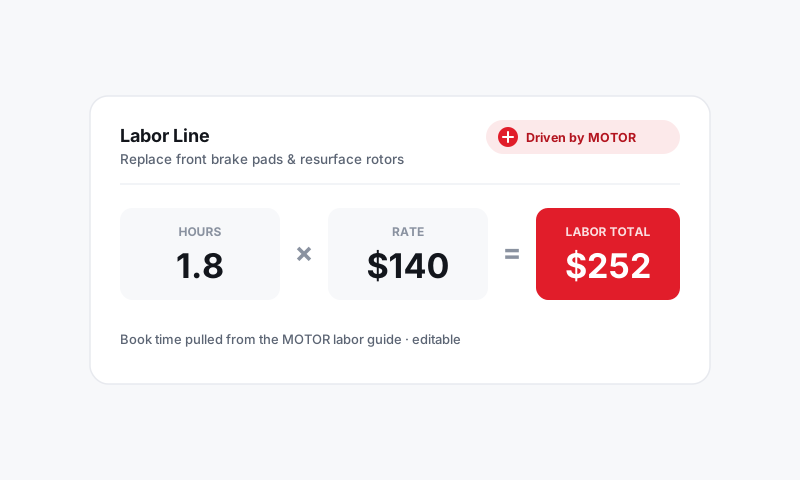
You build bands based on the labor hours of a job. As a job lands on the RO with a labor time (usually a MOTOR time), Pista finds the band that hour count falls into and applies that band's rate or markup. Short jobs price up; long jobs price competitively.
A common layout:
| Job hours | Effective rate |
|---|---|
| 0.1 to 0.5 hrs | $180/hr |
| 0.6 to 2.0 hrs | $165/hr |
| 2.1 to 5.0 hrs | $150/hr |
| 5.1 hrs and up | $135/hr |
The half-hour job that used to feel like a giveaway now carries a premium rate. The all-day job stays attractive enough to win.
Set up the labor matrix
- Go to Settings then Pricing and Markups and open Labor Markup Matrix.
- Click Add band and enter an hours range (low and high) and the rate or markup for that band.
- Repeat until your bands cover from the smallest job up to "and above."
- Save. New labor lines now price off the matrix using their hour count.
Tip: Cover the full range with no gaps. A job whose hours fall between two bands will not pick up the right rate. Pista flags a hole so you can close it before it costs you on a ticket.
Why short jobs deserve a higher rate
The cost to sell a job barely changes with its length. Writing it up, ordering the part, scheduling the bay, and checking the customer out take the same effort whether the wrench time is 20 minutes or four hours. Charging more per hour on short work simply recovers that fixed effort. Customers rarely blink, because the total on a half-hour job is still small.
Good to know
- The matrix sets the default labor price. A writer can still override the rate or hours on a single job.
- A labor-by-hours matrix and a flat labor rate are mutually exclusive per store; pick the one that fits how your work is distributed.
- This is different from labor guide markup, which adjusts the MOTOR book time itself rather than the dollar rate. See Labor guide markup.
- Labor hours flow in from MOTOR data, so the matrix is only as good as the time on the job. See Labor and MOTOR Data.
Build the bands once and every job, short or long, charges a rate that actually reflects what it costs you to do it.
Still have a question about the labor markup matrix by hours?
Contact support