Pricing and Markups
Labor guide markup
Adjust MOTOR book labor times up or down with a labor guide markup so billed hours match how your shop actually works.
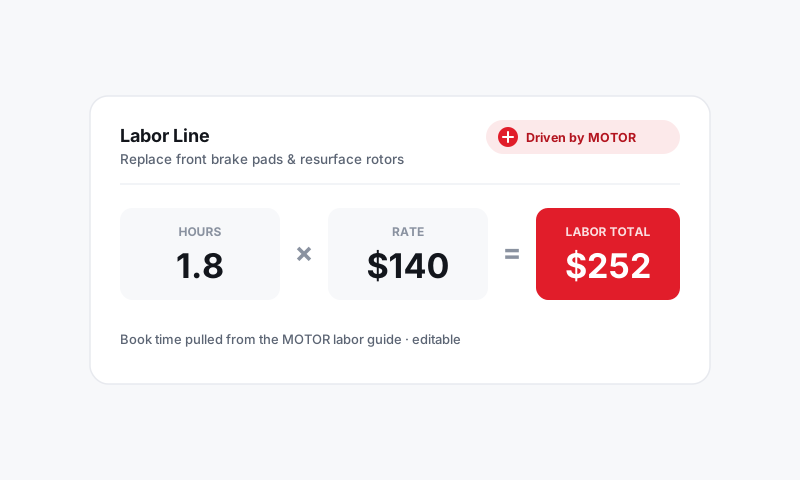
MOTOR labor times are an excellent starting point, but they are an average across many shops and conditions. Your bay, your tools, and your local vehicles are not average. A labor guide markup lets you nudge the book time up or down by a percentage before it bills, so the hours on the ticket reflect reality instead of a textbook. It is a rate multiplier on time, not on dollars, which makes it a different lever from your labor rate or your hours matrix.
What it adjusts
A labor guide markup is a percentage applied to the MOTOR book hours of a job:
- A +15% guide markup turns a 2.0-hour book job into a 2.3-hour billed job.
- A -10% markup turns it into a 1.8-hour job.
Pista applies it as labor lands on the RO, so the adjusted hours feed straight into your labor rate or labor-by-hours matrix.
Set a labor guide markup
- Go to Settings then Pricing and Markups and open Labor Guide Markup.
- Enter a percentage adjustment, positive to add time or negative to trim it.
- Save. New jobs that pull a MOTOR time bill the adjusted hours automatically.
Tip: Start small. A 10 to 15% uplift covers the real-world gap between book conditions and a working bay (rust, stuck bolts, customer conversations) without making your hours look out of line. Big swings invite questions you do not want at the counter.
When to bump book time up
- Your vehicle mix runs older or higher-mileage, where everything takes longer than book.
- Your region means more corrosion and seized hardware.
- You consistently see techs beat or miss book by a steady margin and want billed time to match the floor.
When to trim it down
- You run a high-efficiency shop with specialized tooling that genuinely beats book on common jobs, and you would rather win volume than bill the full hour.
Labor guide markup vs the hours matrix
These two are easy to confuse, so keep them straight:
- Labor guide markup changes the hours (the book time itself).
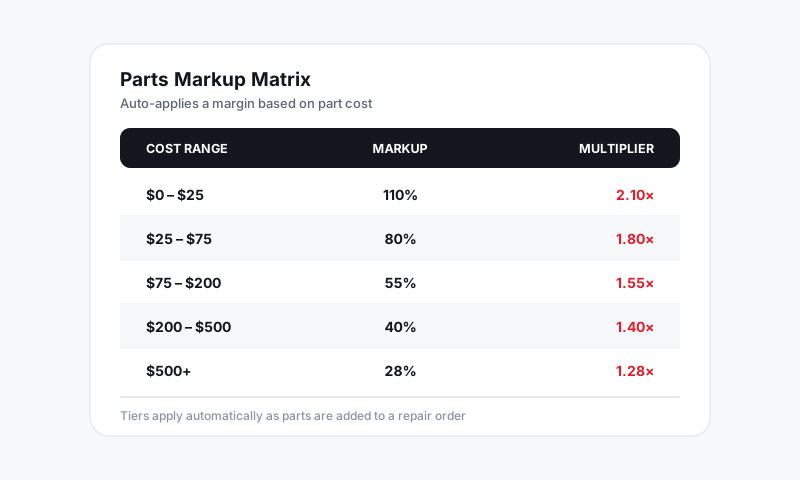
- Labor markup matrix changes the rate charged per hour, banded by job size.
They stack. A job's book time is adjusted by the guide markup first, then that hour count is priced by your rate or hours matrix.
Good to know: Whatever you set, your billed hours should hold up if a customer ever asks. Use the guide markup to reflect honest, repeatable conditions in your shop, not to pad a ticket. Padded hours show up as customer pushback and chargebacks far more often than as profit.
Good to know
- The adjustment applies to MOTOR-sourced times. A labor line you type in by hand bills the hours you enter.
- Changing the guide markup affects future jobs, not labor already on open or closed ROs.
- Where the times come from in the first place is covered in Labor and MOTOR Data.
Dial in one honest percentage and every MOTOR time that flows in lands closer to how your shop really turns the work.
Still have a question about labor guide markup?
Contact support