Getting Started
Welcome to Pista
A quick tour of what Pista does and how to get your shop up and running on day one.
Welcome to Pista, the all-in-one platform for running a modern auto repair shop. Pista brings your repair orders, estimates, digital inspections, parts ordering, payments, and customer messaging into one place so your team spends less time clicking around and more time turning cars.
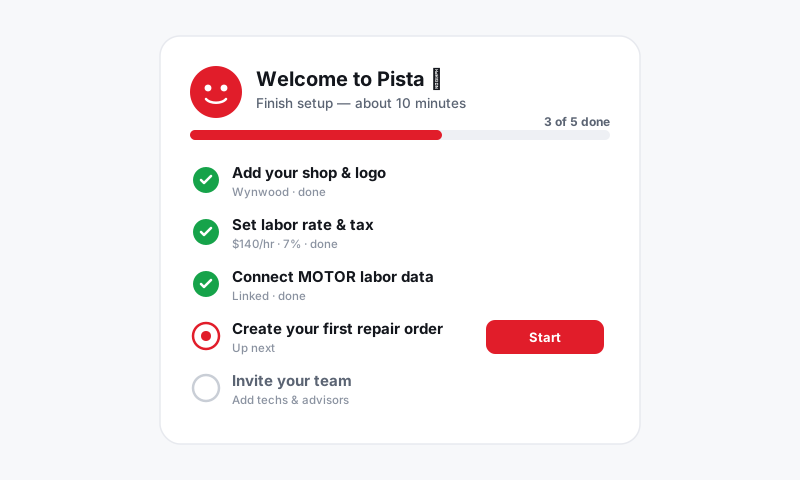
This article gives you the lay of the land. If you would rather jump straight into setup, head to Set up your shop in 5 steps.
What you can do with Pista
Pista is organized around the work that actually happens in a shop:
- Write repair orders from check-in to checkout, with parts and labor on every line.
- Send estimates and capture approvals by text or email, with a timestamped record.
- Run digital inspections with photos and video, then turn findings into authorized work.
- Order parts across your suppliers without leaving the repair order.
- Pull accurate labor times driven by MOTOR data.
- Take payments by card, Apple Pay, or pay-over-time.
- Message customers from a single shared inbox.
Tip: You do not have to set everything up at once. Most shops start by writing a few repair orders, then turn on parts ordering, payments, and messaging as they go.
How Pista is organized
| Area | What it covers |
|---|---|
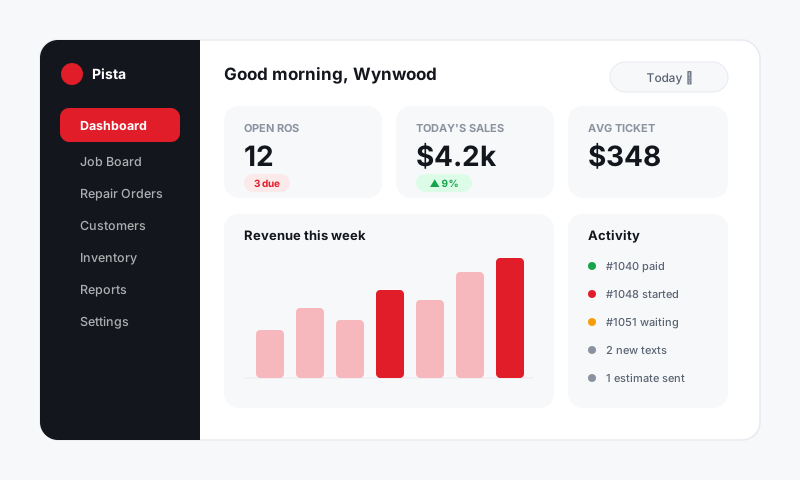
| Job Board | The live view of every vehicle in the shop and where it stands |
| Repair Orders | The full detail of a single job: vehicle, jobs, parts, labor, totals |
| Inbox | All customer texts and emails in one thread per customer |
| Reports | Sales, gross profit, and technician efficiency |
| Settings | Stores, rates, taxes, fees, and integrations |
Meet Moto AI
Moto AI is your built-in service writer. It can draft jobs from a few words of customer concern, write up inspection findings in plain language, and suggest the parts and labor a job needs. You stay in control: Moto AI proposes, you approve. Learn more in Moto AI Service Writer.
Getting help
You are reading the Pista Help Center right now. A few ways to find what you need:
- Use the search bar at the top of any page. It searches every article instantly.
- Browse by category from the home page.
- Still stuck? Use Contact support in the header and our team will jump in.
When you are ready, continue to Set up your shop in 5 steps.
Still have a question about welcome to pista?
Contact support