Vehicles, VIN and Recalls
Editing vehicle details
Fix a decode, add the mileage and plate, set the engine, and keep vehicle records clean so labor times and history stay accurate.
Editing vehicle details
A VIN decode gets you most of the way there, but you'll still want to add the details a decode can't know — current mileage, the plate, color, a unit number for a fleet — and occasionally correct a field. Keeping the vehicle record clean isn't busywork: the engine drives every labor time, and the mileage drives your service reminders and history.
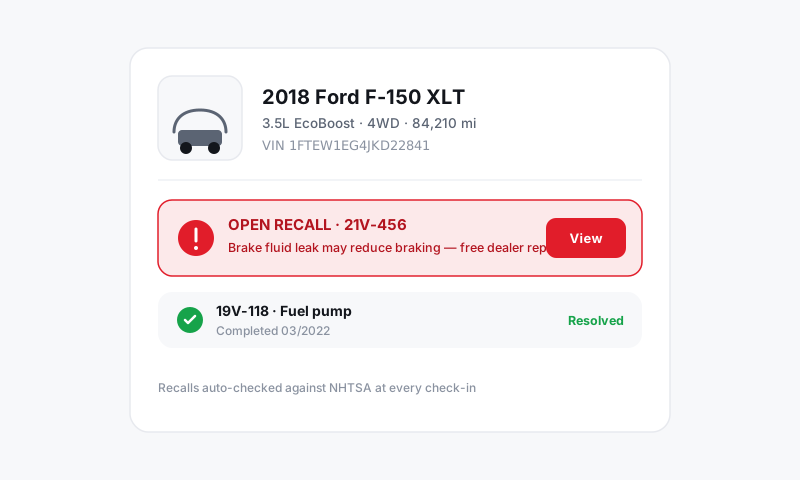
Edit a vehicle
- Open the vehicle from the repair order or from the customer's profile.
- Tap Edit vehicle.
- Update any field:
- Mileage (in and out) for this visit
- License plate and state
- Color, unit/fleet number, or an internal note
- Year, make, model, engine, trim if the decode was off or incomplete
- Tap Save. Changes apply to the vehicle record across its history.
When the engine field matters most
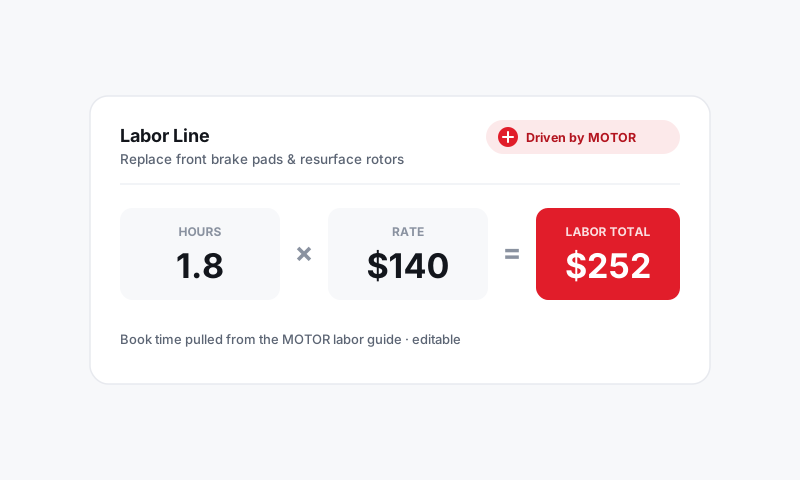
If a decode comes back with the wrong or a missing engine, fix it before you build labor. Pista keys MOTOR labor times and repair procedures to the vehicle configuration, so the engine line is the difference between a right quote and a wrong one.
- Open Edit vehicle.
- Set the correct engine from the options for that year/make/model.
- Save, then re-open the job so labor times re-pull against the corrected engine.
Entering a vehicle by hand
No VIN, a pre-1981 vehicle, or a non-standard build? Add it manually:
- In the vehicle panel, choose Add manually.
- Enter year, make, model, engine, and drivetrain as completely as you can.
- Add the VIN later if you get it — it unlocks the full decode, recalls, and tighter data.
Tips
- Always capture mileage at check-in. It feeds service-due reminders, ties this visit's reading to history, and answers "when did we last do this?" later.
- Use the note field for the quirks. Aftermarket tune, lift kit, wrong-fluid history, a stripped bolt someone should know about — a vehicle note carries forward to the next visit.
- Correct, don't recreate. Editing the existing vehicle keeps all prior ROs attached. Spinning up a new vehicle to "fix" a typo splits the car's history in two.
Good to know
Editing a vehicle updates the shared record, so corrections show on past and future repair orders for that car. If you've ended up with two records for the same vehicle, fix it by merging duplicate vehicles rather than editing one to match the other.
Still have a question about editing vehicle details?
Contact support