Vehicles, VIN and Recalls
Merging duplicate vehicles
Combine two records for the same car into one so service history, recalls, and reminders all live in a single place.
Merging duplicate vehicles
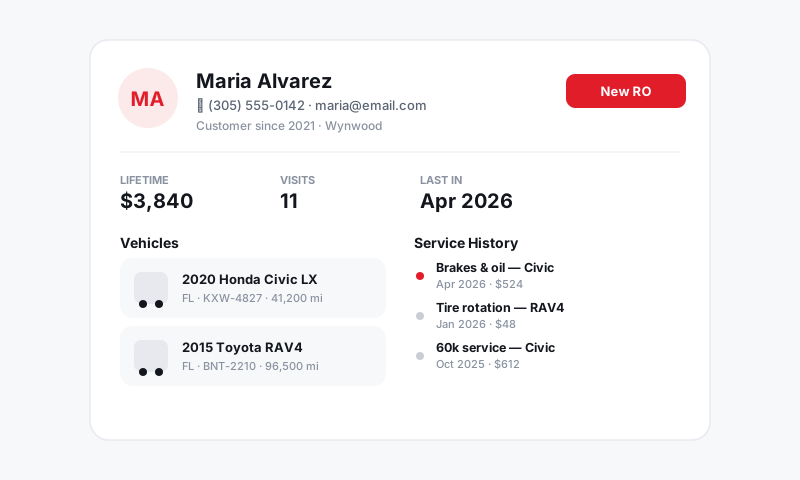
It happens in every busy shop: the same car gets entered twice. Someone typed the VIN by hand at the curb, a plate lookup created a fresh record, or two writers checked in the same regular on the same morning. Now that vehicle's history is split across two records — and split history is worse than no history, because it makes you look like you forgot the car. Merging puts it back into one clean record.
How duplicates usually happen
- A manual VIN entry that didn't match an existing decode (a transposed character).
- A plate lookup that created a new vehicle when the car was already on file under its VIN.
- The same vehicle added under two different customers (sold car, family member, fleet).
Tip: The cleanest fix is prevention. Always decode by VIN and confirm the match Pista offers before creating a new vehicle. If Pista shows "this VIN is already on file," use that record instead of making a new one.
Merge two vehicle records
- Open the vehicle you want to keep — usually the one with the longer history or the confirmed VIN.
- Choose Merge vehicle (in the vehicle's actions menu).
- Select the duplicate record to merge into it.
- Review the combined details — Pista keeps the surviving record's VIN, plate, and notes; confirm they're the correct ones.
- Confirm the merge.
After merging, all repair orders, inspections, recalls, and history from both records live under the single surviving vehicle.
Before you merge
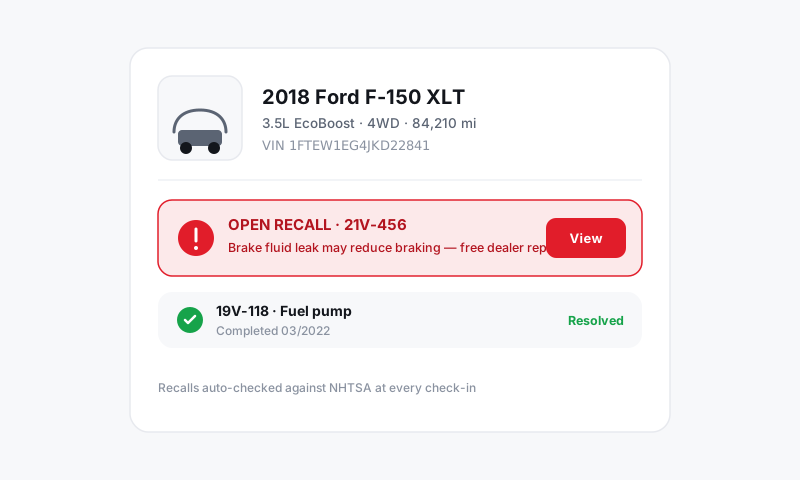
- Confirm it's truly the same car. Match the full 17-character VIN, not just the make and model. Two similar trucks are not duplicates.
- Pick the right survivor. Keep the record with the correct VIN and the richer history.
- Check the customer link. If the duplicate sits under a different customer, make sure the merged vehicle ends up attached to the right owner.
Good to know
- Merging is about combining history, not deleting work. No repair orders are lost; they consolidate under one vehicle.
- If two records have conflicting details (different mileage, different plate), the surviving record's details win — edit them afterward if needed. See Editing vehicle details.
- Merge vehicles and merge customers are separate actions. If you also have two profiles for the same person, clean that up in Customers and CRM.
Still have a question about merging duplicate vehicles?
Contact support