Inventory and Purchasing
Handling parts returns and cores
Process returned parts and core charges correctly so your inventory counts, vendor credits, and customer pricing all stay right.
Returns and cores are where parts money quietly leaks if you do not track them. A wrong part goes back but the count never updates. A core charge gets billed to the customer but the refund never comes back from the vendor. Pista keeps both straight so the part on the shelf, the credit from the vendor, and the price the customer paid all line up.
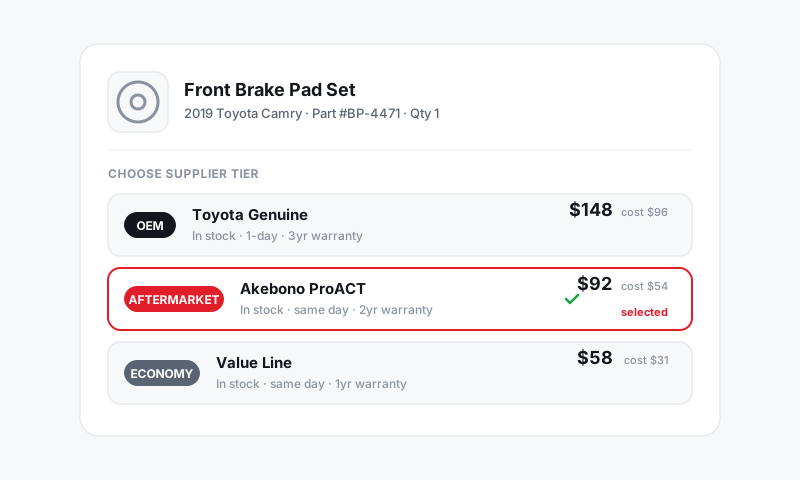
Returning a stocked part to a vendor
When you send a part back to a supplier, you want your shelf count to reflect that it left:
- Open Inventory and select the item.
- Click Adjust Quantity.
- Lower the on-hand count by the number you are returning.
- Add a reason, such as "Returned to NAPA, RGA 4471."
- Save.
If the return relates to an open purchase order, leave a note on that PO so the expected credit is easy to match against the vendor's statement later. See Receiving a purchase order.
Good to know: Always note the vendor's return authorization or RGA number. When the credit shows up weeks later, that reference is what proves it is yours.
Removing a part from a repair order
If the wrong part went onto an RO, or the customer declined the work after it was added, take it off the job:
- Open the repair order and find the part line.
- Remove or reduce the quantity on that line.
- If it was a stocked part, returning it to inventory restores the on-hand count so the shelf and screen agree.
The RO totals, parts margin, and tax recalculate live as you adjust. See Adding services, labor, and parts.
Handling core charges
A core charge is a deposit you pay on a rebuildable part, like an alternator or a caliper, and get back when you return the old unit:
- Add the core charge as its own line so the customer sees it clearly, separate from the part price.
- When the old core goes back to the vendor, expect the core credit in return.
- Note the returned core on the related purchase order so you can match the credit when it lands.
- Once the customer's old part is turned in, refund or clear their core deposit so they are not left holding a charge they already satisfied.
Tips
- Track the credit, not just the return. A part sent back is only half done; the money coming back is the other half.
- Keep cores visible to the customer. A clearly labeled core line and a clear refund build trust and prevent disputes.
- Reconcile against the vendor statement. Your PO notes turn a confusing credit memo into a quick, confident match.
- Update the count the same day. A return that sits unlogged is the fastest way to throw off your next physical count.
What is next
Keep your numbers honest end to end with Doing a physical inventory count.
Still have a question about handling parts returns and cores?
Contact support