Shop Settings
Repair order and invoice numbering
Set your starting RO and invoice numbers, add a prefix, and keep numbering clean across multiple stores.
How your repair orders and invoices are numbered seems like a detail until you switch systems mid-year, get audited, or run two stores and find duplicate numbers floating around. Pista lets you control the starting number and format up front so your paper trail stays clean and continuous.
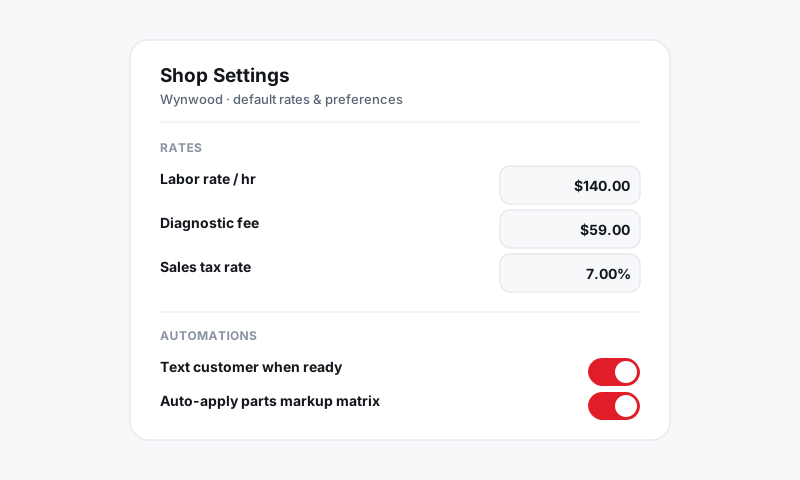
Where numbering lives
- Open Shop Settings, then Document Numbering.
- If you run more than one location, pick the store from the switcher, since each store numbers its own documents.
Set your starting number
This matters most when you are migrating from another system and want to pick up where you left off.
- Enter the next RO number Pista should use.
- If you are coming from Tekmetric, ShopMonkey, or paper tickets, set this just above your last used number so you never reuse one.
- Save. Pista increments automatically from there.
Good to know: Pista will not let you set a starting number that would collide with an existing repair order, which keeps your history clean and your accountant happy.
Add a prefix or store code
A prefix makes it obvious at a glance which document came from where.
- In Document Numbering, set an optional prefix, for example "WY-" for your Wynwood store.
- Use a different prefix per store so numbers never overlap across locations. See Managing multiple stores.
- Decide whether invoices share the RO number or get their own sequence.
How numbering flows through a job
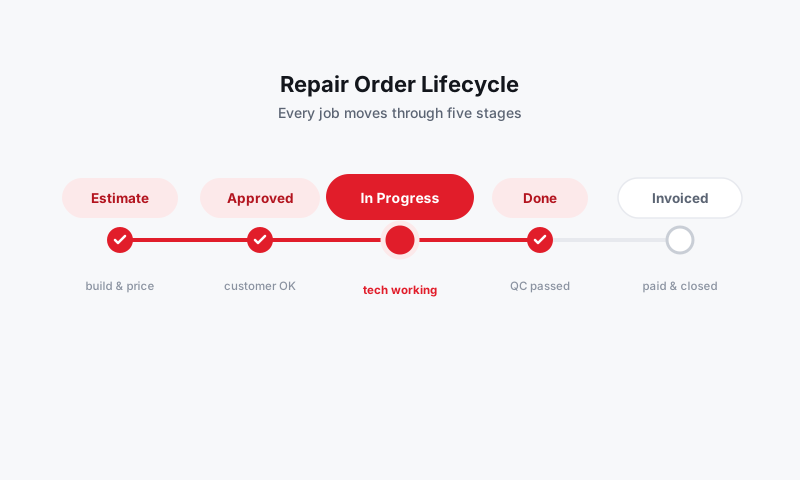
- A repair order gets its number when you create it.
- The number stays with the job from estimate through invoice and into reports.
- Payments post against that same number, so reconciliation lines up cleanly.
Tips
- Set this before your first live RO. Changing the scheme after you have written tickets creates gaps that look like missing paperwork in an audit.
- Use store prefixes from day one if you have any chance of opening a second location. Renumbering later is painful.
- Keep it short. A long prefix and a high number make for a clunky reference when a customer reads it back over the phone.
What is next
Round out your document setup in Company info, logo, and document footers and Branding your customer-facing documents.
Still have a question about repair order and invoice numbering?
Contact support