Parts and Suppliers
Parts warranties and returns
Record part warranties, process supplier returns and defective exchanges, and keep the paper trail tied to the original RO.
Parts come back. A customer returns with a noisy alternator, a brand-new part is dead on arrival, or you over-ordered and need to send one back. Pista keeps the warranty terms and the return trail attached to the original repair order so you can stand behind your work without digging through receipts.
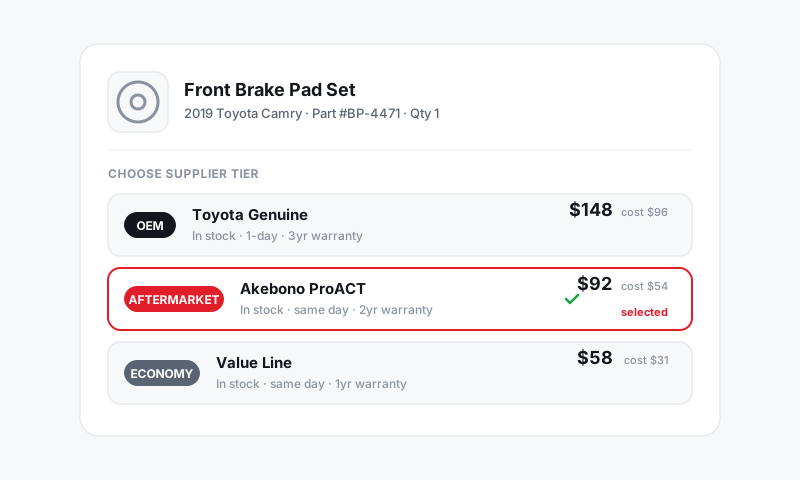
Record a part warranty
- On the part line, open the part and find the warranty field.
- Enter the term (for example, 24 months or 24,000 miles) and any supplier reference. Many supplier lines carry this automatically.
- Save. The warranty now lives on the RO and on the customer's vehicle history.
Good to know: Because the warranty is tied to the part on the RO, a customer who comes back next year is already in the system with the install date, the part number, and the term. No hunting.
Process a warranty claim
When a customer returns with a failed part still under warranty:
- Open the customer's vehicle history and find the original RO with the part.
- Create a new RO for the comeback and reference the original. Pista carries the part and warranty details forward.
- Order the warranty replacement from the same supplier, noting the claim so the cost is credited, not re-billed.
- Add the labor. Decide up front whether the comeback labor is covered by you or billable, and quote accordingly.
Return a part to the supplier
For an unused, defective, or over-ordered part:
- Open the purchase order the part was received on. See Ordering parts from the RO.
- Mark the line as a return and note the reason: defective, wrong part, or not needed.
- Send it back per the supplier's RMA process and record the credit when it posts to your account.
- Remove or zero the part on the RO if the customer is no longer being charged for it.
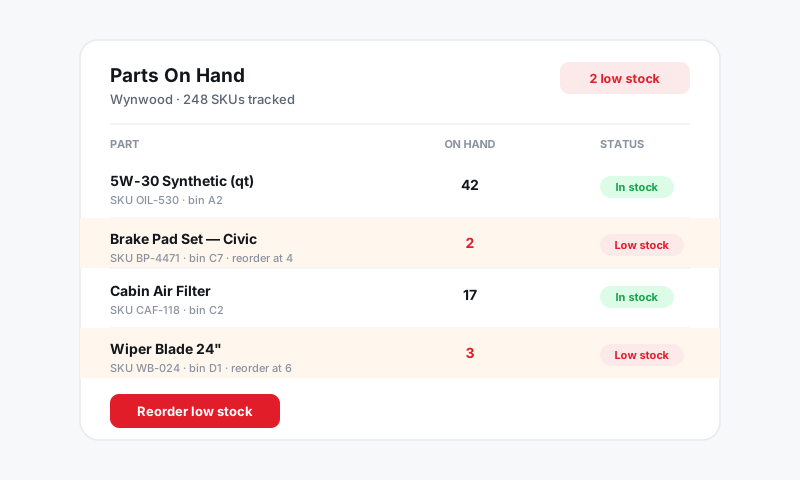
Don't confuse a return with a core
A core is the rebuildable old part you owe the supplier, with a refundable deposit. A return is a part going back because it was wrong, defective, or unused. They are tracked separately. For deposits and credits on cores, see Cores and core deposits.
Tips
- Log every warranty at the time of install. The two minutes it takes saves an argument and a giveaway later.
- Keep defective parts tagged with the RO number until the supplier credit posts. No tag, no credit.
- Reconcile return and warranty credits against your supplier statements so money owed to you actually shows up. See Inventory and Purchasing.
Still have a question about parts warranties and returns?
Contact support