Job Board and Workflow
Build a workflow that fits your shop
A practical guide to designing your Job Board stages and daily routine so cars never stall between the front counter and the bay.
The Job Board only works as well as the workflow behind it. This article is the shop owner's playbook for designing stages that match how your team actually turns cars, plus the daily habits that keep the board trustworthy. Think of it as the strategy article that ties the rest of this category together.
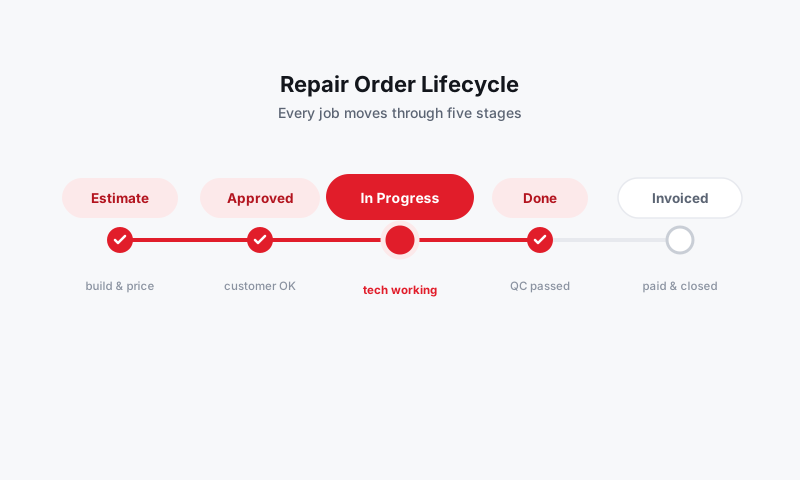
Start from how a car actually moves
Before you touch column settings, walk one job through your shop in your head, from the moment a customer drops off to the moment they drive away. Every real handoff is a candidate for a column. A typical flow looks like:
- Check-in / Estimate: vehicle is in, writer is building a price.
- Awaiting approval: estimate sent, waiting on the customer.
- Waiting on parts: approved, but parts are on order.
- In progress: tech is turning the car.
- Quality check: work done, getting a final look.
- Ready for pickup: clean and waiting on the customer.
- Picked up / Closed: paid and gone.
Trim that to fit. A two-bay shop may not need a quality-check column, while a high-volume shop may want it. Set these up in Customizing workflow columns.
Decide who owns each stage
A workflow is also about people. For each column, be clear on who moves a card out of it:
- Writers own Estimate, Awaiting approval, and Ready for pickup.
- Techs own In progress and Quality check.
- Parts owns clearing Waiting on parts.
When ownership is obvious, cards stop dying in the middle of the board.
Wire in the rest of Pista
Your board is most powerful when the work feeding it is real:
- Pull accurate labor on every job with MOTOR data so capacity and totals are honest.
- Source parts inside the RO so the Waiting on parts stage reflects actual orders. See Parts and Suppliers.
- Let Moto AI draft jobs and findings so cards reach the board fully built.
- Send estimates and capture approvals by text so cards advance the moment a customer says yes. See Estimates and Authorizations.
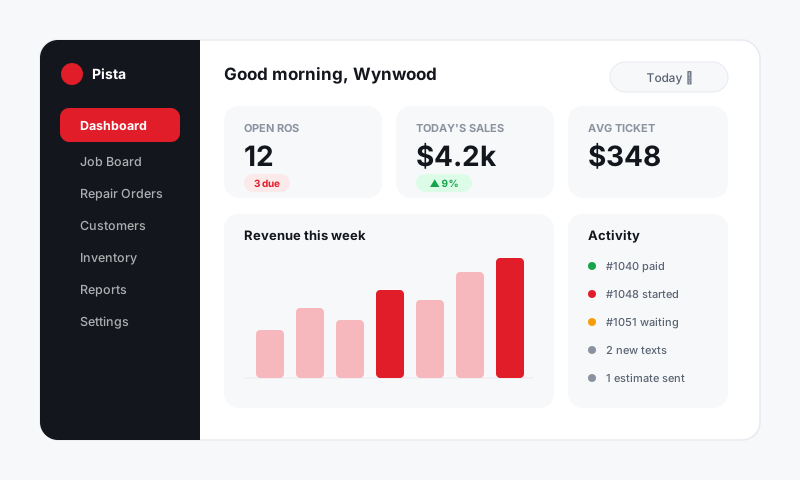
A simple daily routine
Tip: A board you do not maintain becomes a board you do not trust. Ten minutes of routine keeps it accurate.
- Morning: open the Tech Board view and balance hours across your techs.
- Midday: work the board by color, clearing red and amber flags first. See Reading card flags and alerts.
- End of day: confirm every Ready for pickup car was actually picked up, and assign tomorrow's first jobs.
- Weekly: sweep stale estimates and dead jobs with Archiving stale orders.
Good to know
- Resist building a column for every task. Columns are handoffs, not checklists. Five to seven is the sweet spot.
- Review your stages once a quarter. As your shop grows, the board should grow with it.
- Multi-location shops should perfect one store's workflow, then mirror it so reporting stays comparable across stores.
Still have a question about build a workflow that fits your shop?
Contact support