Estimates and Authorizations
Tracking your approval rate and following up
Measure how much of what you quote gets approved, find where deals stall, and recover declined work.
Your estimate approval rate is one of the clearest signals of front-counter health. If you are quoting plenty of work but closing little of it, the fix is rarely lower prices; it is usually clearer estimates, better photos, and faster follow-up. Pista tracks every estimate from sent to approved, so you can see the gaps and coach to them.
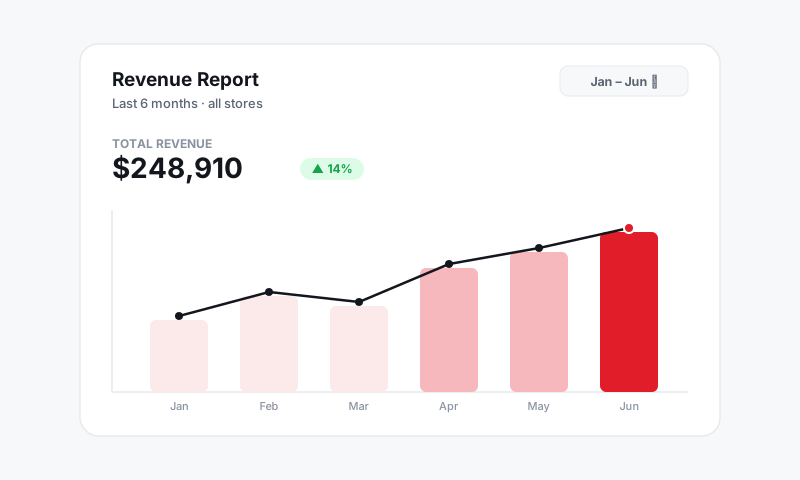
See your numbers
- Open Reports. See Reports.
- Find the estimates view to see, over any date range:
- Sent versus viewed versus approved
- Your approval rate as a percentage of dollars and of jobs
- Declined work, totaled and listed by job type
- Filter by store, service writer, or date range to compare locations and people fairly.
Good to know: Pista logs a timestamp on every send, view, approval, and decline. That history is what makes the report real, not a guess, and it is the same record that protects you in a billing dispute.
Read the funnel
A few patterns tell you where to focus:
- Sent but not viewed means a delivery or attention problem. Confirm mobile numbers and lead with a short text. See Sending an estimate for approval.
- Viewed but not approved means the price or the value is unclear. Add inspection photos, plain-language wording, and Good / Better / Best options. See Good, Better, Best tiers.
- Partially approved is normal and healthy. The declined lines are your follow-up pipeline, not lost revenue.
Turn declines into your next appointment
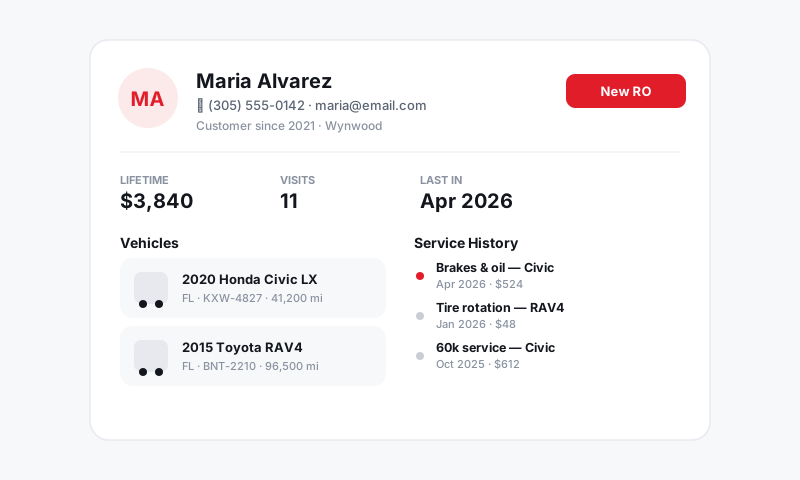
Every declined job is already quoted, photographed, and tied to a vehicle. That is a warm lead.
- From the customer record, set a follow-up reminder on declined work, for example "Recommend rear brakes in 60 days." See Customers and CRM.
- When the time comes, resend the original estimate in seconds instead of rebuilding it.
- Track recovered work in Reports so you can see how much revenue your follow-up discipline brings back.
Coach the counter
- Compare approval rate by service writer to spot who needs help and who to learn from.
- Look for low-photo, high-decline jobs. Estimates without inspection media decline more often; that is a coaching moment, not a pricing one.
- Watch time-to-approval. The faster you respond to a viewed estimate with a friendly nudge, the higher your close rate.
Tips
- Set a target. Many healthy shops aim for an approval rate well above half of quoted dollars. Pick a number, post it, and review it weekly.
- Nudge once, kindly. A single "Any questions on the estimate I sent?" from the Inbox recovers a surprising number of approvals without feeling pushy.
- Trust the trail. Because every action is timestamped, you are measuring real behavior, not memory.
What is next
Tighten the front end of the funnel with stronger estimates in Building an estimate, then keep declined work alive with Handling approved vs declined work.
Still have a question about tracking your approval rate and following up?
Contact support