Tax and Shop Fees
Handling tax-exempt customers
Mark fleet, reseller, and nonprofit customers as tax-exempt so their repair orders skip sales tax cleanly.
Not every customer pays sales tax. Government fleets, resellers, certain nonprofits, and other exemption holders are entitled to buy without it, as long as you have the paperwork on file. Pista lets you flag a customer as tax-exempt so their repair orders skip tax automatically, with a record of why.
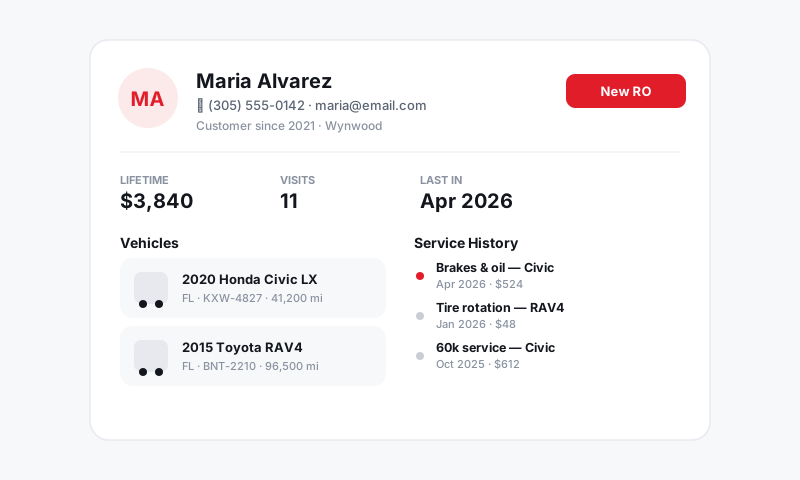
Mark a customer tax-exempt
- Open the customer's profile from Customers and CRM, or from any repair order.
- Find the Tax-exempt setting on the profile.
- Turn it on and enter the exemption or resale certificate number the customer provided.
- Save. Every new repair order for that customer is created tax-exempt at any store.
From then on, when you write an RO for that customer, the tax line drops to zero and the invoice notes the exemption. You do not have to remember to zero it out by hand.
What gets exempted
A tax-exempt customer's repair orders skip the sales tax that your store rules would otherwise apply to parts, labor, and taxable fees. The work, parts, and fees still appear and total normally; only the tax line is removed.
Good to know: Exemption is a property of the customer, not the vehicle. A fleet manager who is tax-exempt stays exempt across every vehicle and every store. If a vehicle moves to a non-exempt owner later, update the customer it is attached to.
Tips
- Get the certificate before you turn it off. You are responsible for proving why tax was not collected. Capture the certificate number in Pista and keep the document with your records. "Verify before concluding" applies to exemptions too: do not exempt on a verbal claim.
- Resale vs. use. A reseller certificate exempts goods bought for resale, not necessarily everything. If a customer is exempt for some purchases and not others, confirm scope before flagging the whole account.
- One-off exemptions. If a customer is exempt only on a specific job, handle it on that repair order rather than flagging the entire customer profile, so future tickets still tax normally.
- Keep it auditable. When a state audits you, the exemption number on the customer profile plus the certificate on file is your defense. Treat the number field as required, not optional.
What is next
Make sure your default tax behavior is correct first in Configuring what is taxable, and when you file, your exempt sales will break out in Tax reports and reconciliation.
Still have a question about handling tax-exempt customers?
Contact support