Messaging and Inbox
Sending updates to multiple customers
Send the same text or email to a group of customers at once, with each message personalized, so you can fill the schedule or share shop news fast.
Sending updates to multiple customers
Sometimes you need to reach a lot of people at once: a slow week you want to fill, a holiday closure, a recall notice, or a seasonal reminder to book that AC service before summer. Pista lets you send the same message to a group of customers in one go, with each person's name and vehicle filled in automatically, so a hundred texts feel like one personal note.
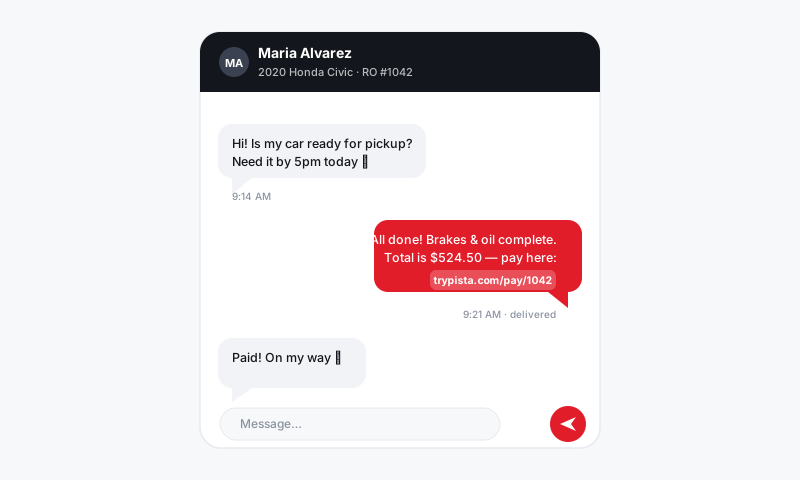
Pick who gets the message
- Open the Message Center or your customer list.
- Choose New Broadcast (a group message).
- Build your recipient list by filtering, for example:
- Customers due for service or with a declined job from last visit.
- Everyone with a vehicle of a certain make or year for a recall or known issue.
- Customers who have not visited in six months or more.
- A specific store's customer base.
- Review the list and remove anyone who should not get the message.
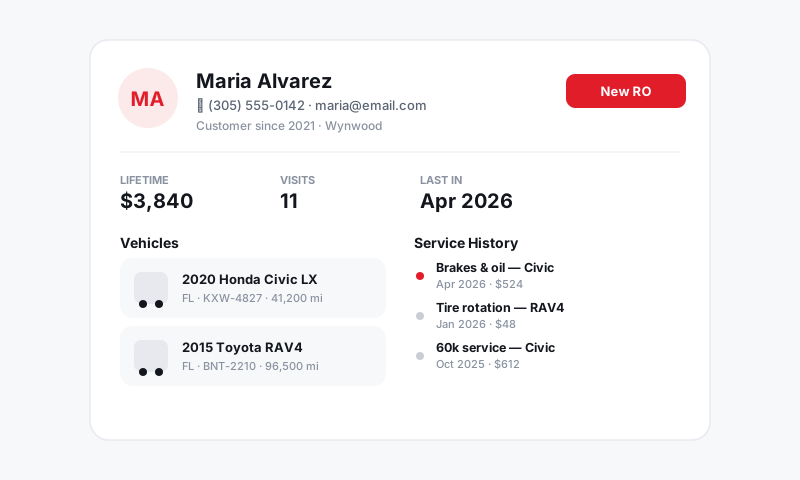
Write and personalize
- Choose a channel: Text for short, time-sensitive notes, Email for anything longer.
- Start from a template or write fresh.
- Use placeholders like customer name and vehicle so each message reads as personal: "Hi {{customer_first_name}}, your {{vehicle}} is due for its next service."
- Add a clear action: a phone number, a booking link, or a reply prompt.
Send and handle replies
- Preview a sample to confirm the placeholders fill correctly.
- Send. Pista delivers each message individually, so customers never see each other's numbers.
- Replies come back as normal one-to-one threads in the Message Center, where any advisor can answer.
Good to know
- Every message is private. A broadcast is not a group chat. Each customer gets their own thread and never sees the others.
- Opt-outs are respected automatically. Anyone who has texted STOP is excluded, and Pista honors STOP replies to the broadcast going forward. This keeps you compliant.
- Replies scale into real conversations. A "due for service" blast that gets twenty replies turns into twenty booking conversations in your inbox.
Tips
- Segment, do not spray. A targeted message to the right 60 customers beats a generic one to 600. Relevance is what gets replies.
- Mind the timing. Send business-hours messages so customers can act and so your team can handle the replies that come in.
- Lead with value. "Free brake check this week" or "Your AC service is due before the heat hits" outperforms "We miss you."
- Watch your capacity. Only invite as much work as you can actually take. A broadcast that books your whole week is only a win if you can deliver on it.
Used well, a broadcast turns a quiet schedule into a full one. The customers are already yours, the vehicles are already in your system, and one well-aimed message brings them back.
Still have a question about sending updates to multiple customers?
Contact support