Labor and MOTOR Data
Troubleshooting labor times
Fix the most common labor-time problems in Pista, from wrong or missing MOTOR hours to mismatched engines, so every line prices accurately.
Troubleshooting labor times
Most of the time, labor just works: you add a job, the MOTOR hours land, your rate prices it. When a number looks off, it is almost always one of a handful of fixable causes. Here is how to diagnose and fix labor-time issues fast.
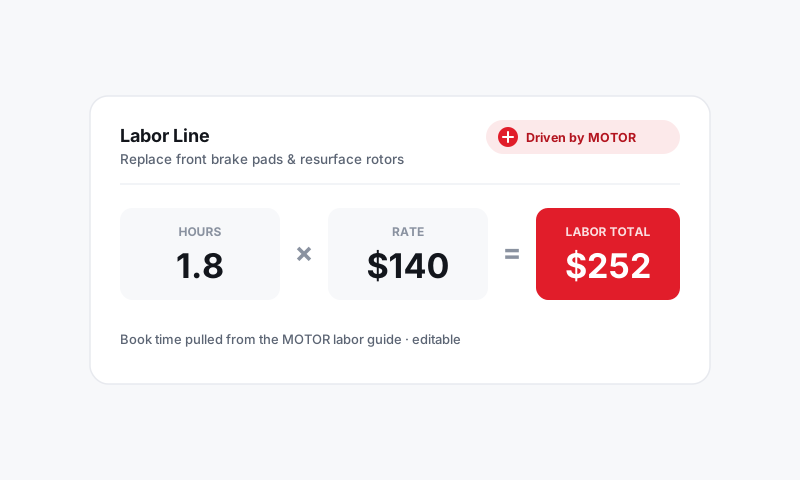
The time seems wrong for the vehicle
If the hours feel too high or too low, the most likely cause is a mismatched vehicle or operation.
- Check the engine. Open the RO vehicle and confirm the engine is right. Two trims with the same model name can have very different times. Decode by VIN to lock it in.
- Check the operation. Make sure the matched job is the one you meant, for example replace versus resurface, or front versus rear.
- Re-add the labor after fixing either of those, so Pista pulls a fresh time for the corrected vehicle and operation.
No labor time was found
If a line came back as a standard estimate instead of a Driven by MOTOR time, MOTOR did not have a published time for that exact job and vehicle.
- Confirm the vehicle is decoded by VIN. A missing engine is the number-one reason a real time turns into a fallback.
- Rephrase the search to a known operation, for example replace serpentine belt rather than belt noise.
- If MOTOR genuinely has no time, enter your shop's hours and save it as a service. See Standard-time fallback explained.
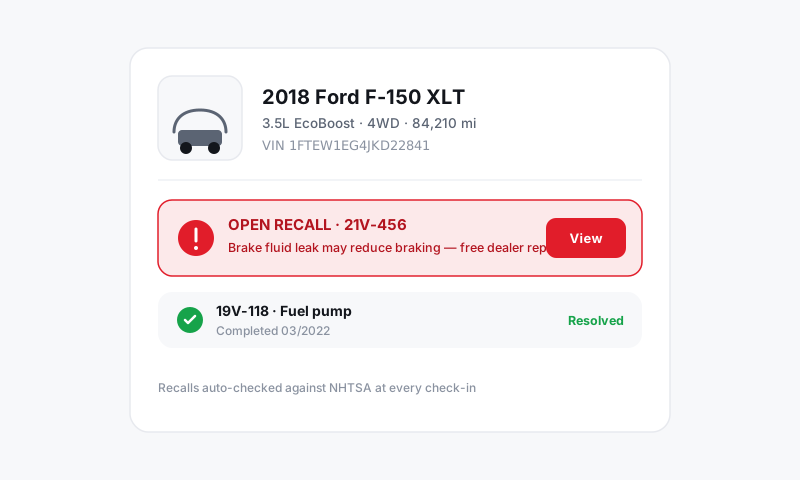
The price is wrong even though the hours are right
If the hours look correct but the dollars do not, the issue is the rate, not the time.
- Check the rate card on the line. A diagnosis line may be on Standard when it should be on Diagnostic. See Labor rate cards.
- Confirm the store's labor rate in Shop Settings. A multi-store shop can have a stale rate at one location. See Setting your labor rates.
- Look for a manual override someone left on the line.
My rate change did not update an old estimate
That is by design. Rate changes apply to new labor going forward and do not rewrite estimates a customer already approved. To reprice an open ticket, re-add or refresh its labor lines.
Auto-Load is matching the wrong job
- Name the job more specifically, for example replace alternator instead of charging system.
- Pick the operation from the suggestions rather than free-typing.
- Review the matched result before you save. See Auto-loading labor on a ticket.
Tip: When in doubt, start from the VIN. A correct VIN decode fixes the majority of labor-time problems before they happen, because it gives MOTOR the exact engine it needs to publish the right number.
Good to know: A seized bolt or a prior bad repair is not a Pista problem, it is a real-world condition. Override the hours on the line for those cars. The published time describes a healthy vehicle, and you bill the car in front of you.
Still have a question about troubleshooting labor times?
Contact support