FAQs and Troubleshooting
Getting more help
The fastest ways to reach Pista support and exactly what to include so we can fix your issue on the first reply.
Getting more help
Tried the troubleshooting articles and still stuck? No problem. This page shows you how to reach a human, and just as important, what to send so we can solve it on the first reply instead of trading messages all afternoon.
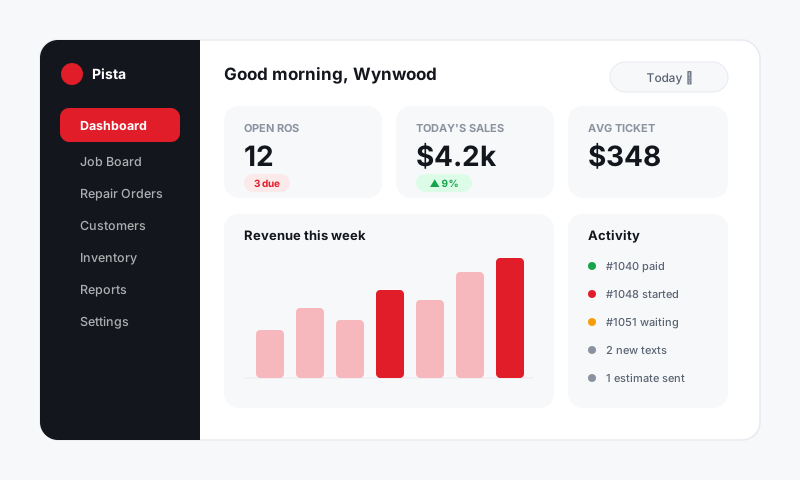
Before you reach out
A two-minute check often beats waiting for a response, and if it doesn't fix things, the same info is exactly what we'll need.
- Skim the Common questions page in case it's a known answer.
- If the problem is a number, walk Why a price or labor time looks off.
- If something appears on one device but not another, try Data not syncing between app and dashboard.
- Note exactly what you did, what you expected, and what happened instead.
What to include in your message
The more of this you send up front, the faster we close it out:
- The repair order (RO) number, if the issue is tied to a specific ticket.
- The screen or feature involved (for example, the Job Board, an estimate, checkout, or a report).
- What you expected versus what actually happened.
- The device and where: dashboard in a browser, or the mobile app, and on which one.
- A screenshot if anything looks visually wrong. A picture saves a dozen back-and-forth questions.
- Any filters you had set if the issue is a report (date range and store especially).
Tip: "The total is wrong on RO 4821, I expected about $640 in labor but it shows $410, dashboard in Chrome" gets a real answer fast. "Pricing is broken" starts a guessing game. Specifics win.
What your shop's admin can handle right now
Some things don't need us at all and are faster to fix in-house:
- Login and roles. An owner or admin manages teammates under Shop Settings → Team: resend invites, reset access, and adjust who sees what.
- Labor rate and markups. Pricing that's consistently off across many ROs is usually a settings change under Shop Settings → Pricing, not a bug.
- Tax and fees. Confirm the tax rule and any shop fees are set for the right location.
If you're a technician or advisor and the fix is one of the above, your owner or admin is the quickest path.
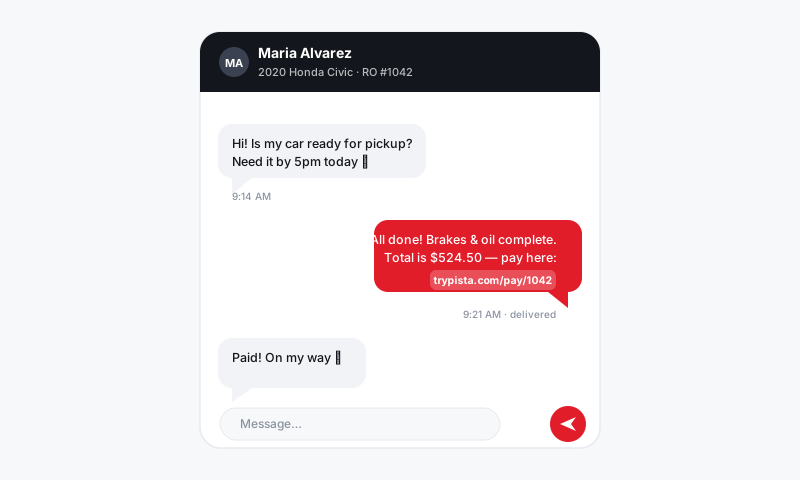
Reaching the Pista team
When you do need us, send your message with the details above. Including the RO number and a screenshot in your very first message is the single biggest thing you can do to get a same-reply fix.
Good to know
- Urgent and stuck-on-a-car beats everything. If a vehicle is on the lift and you can't move it forward, say so up front and we'll prioritize.
- Keep the thread together. Reply in the same conversation rather than starting a new one, so we keep the full context.
- Feature ideas are welcome. Pista is built with working shops, and the best improvements come from the counter. If something should work differently, tell us.
You're in good hands
Most issues turn out to be a filter, a setting, or a refresh away from solved. When they aren't, that's what we're here for. Send the details and we'll take it from there.
Still have a question about getting more help?
Contact support