Customers and CRM
Service history
Read a customer's full service timeline in Pista, use past work and declined jobs to sell the right service, and pull invoices fast.
Service history
Service history is your memory of every car you have ever touched. In Pista, every repair order a customer has been through stacks into one timeline you can pull up in seconds, whether they were in last week or three years ago. It is the difference between guessing and knowing, and it is one of the easiest ways to earn the next job honestly.
Where to find it
History lives in two places, and both are useful:
- On the customer profile, you see every visit across all of their vehicles.
- On an individual vehicle, you see the timeline for just that car, which is what you usually want at the counter.
Open either one and you get a reverse-chronological list of repair orders, newest first.
What the timeline shows
Each entry on the timeline gives you the full picture of that visit:
- The date and mileage at the time of service
- The jobs performed, with their labor and parts
- The total charged and how it was paid
- Any declined or deferred work that was recommended but not done
That last item is the quiet money-maker. Pista keeps the jobs a customer passed on so you can bring them back up at the right time.
Pull up a past invoice
- Open the customer or vehicle history.
- Click the repair order you need.
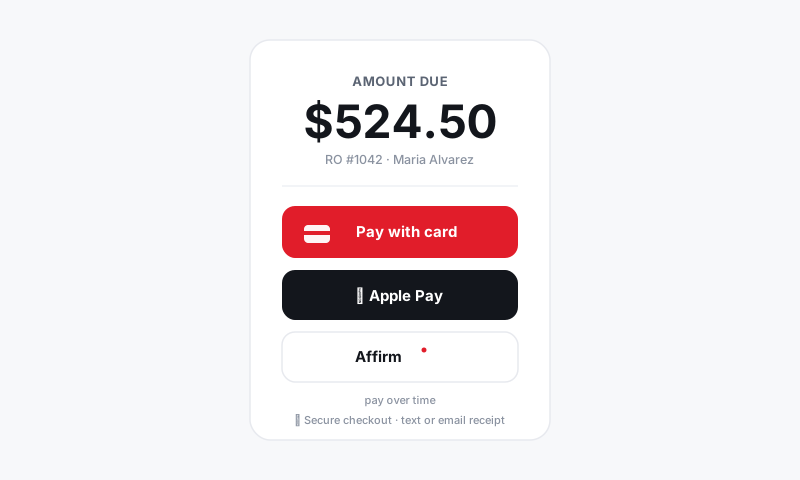
- View the full RO, then resend the invoice or receipt by text or email, or print it.
This handles the everyday requests fast: a customer needs a copy for an extended warranty claim, or wants proof of a service for a resale.
Turn history into the next job
Good service writing is mostly remembering. With the timeline in front of you, you can:
- See declined work from past visits and offer it again now that the customer is back.
- Spot mileage-based maintenance that has come due since the last visit.
- Reference the last service date so a recommendation feels personal, not pushy.
Tip: Before a customer arrives for an appointment, open the vehicle history for two minutes. Walk in already knowing what they deferred and what is due. That prep is what separates a counter that quotes from a counter that advises.
How history gets built
History fills in automatically as you close repair orders, so there is nothing extra to do day to day. If you switched to Pista from another system, your past visits can come over during onboarding. See Importing your customers and history.
Good to know: History always files under the vehicle the work was performed on. Picking the right vehicle when you start an RO keeps each car's timeline accurate, which matters most on multi-vehicle and fleet accounts. See Managing customer vehicles and history.
Still have a question about service history?
Contact support