Account and Billing
Your free trial and first bill
Understand how the Pista trial works, what happens when it ends, and how to avoid surprises on your first invoice.
Your free trial and first bill
Pista starts you on a free trial so you can build real repair orders, run inspections, source parts, and let Moto AI write a few jobs before you pay a cent. The trial is the full product, not a stripped-down demo, so you can decide with real work in front of you. Here is exactly how it works and what to expect when the first invoice lands.
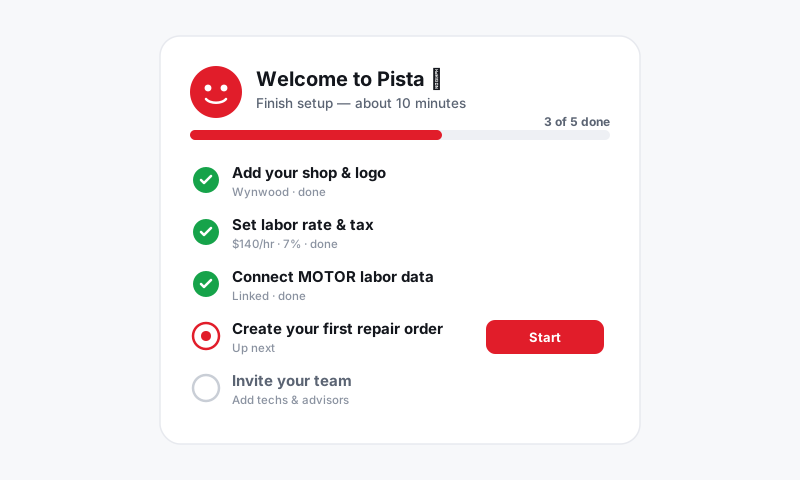
What the trial includes
- Full access to repair orders, estimates, digital inspections, MOTOR labor data, parts sourcing, messaging, reports, and the Moto AI service writer.
- The mobile app for your techs, with everything synced to the same account.
- Enough time to run live work through the shop, not just click around.
Good to know: Anything you build during the trial stays. Customers, vehicles, and repair orders carry straight over when you subscribe, so the setup time you put in is never wasted.
See where your trial stands
- Go to Account, then Subscription.
- The banner shows your days remaining and the date the trial ends.
- From here you can subscribe early at any time without losing trial days you have not used.
Turn the trial into a paid plan
- On the Subscription page, click Choose Plan.
- Pick monthly or annual billing and the number of user seats you need. See Adding users and setting roles.
- Add your card under Billing and confirm. See Updating billing info.
What happens when the trial ends
- If you have not added a payment method, your account pauses rather than vanishing. Your data is safe.
- Add a card and pick a plan to pick up exactly where you left off.
- Once you subscribe, your first charge is for the plan and seats you selected, on the cycle you chose.
Avoid first-bill surprises
The most common surprise is seat count. Each active user is a seat, so the team you invited during the trial is the team you are billed for.
- Before you subscribe, open Account, then Users, and deactivate anyone you invited just to test.
- Choose annual billing if you are committed, since it lowers the per-month cost right away.
- Remember that payment processing fees are separate from your subscription and come out of deposits. See Setting up payments for your shop.
Tips
- Use the trial for real repair orders, not a tour. The platform sells itself once your own jobs and labor times are on the screen.
- Clean up test users before your first bill so you only pay for the seats you actually need.
- Subscribing annually during the trial locks in the discount from day one instead of paying full monthly first.
Run real work through it, trim your seats, pick your cycle, and your first invoice will be exactly what you expect.
Still have a question about your free trial and first bill?
Contact support