Payments
Taking a deposit
Collect a deposit up front on big jobs or special-order parts, then apply it automatically to the final invoice.
When a repair means ordering an expensive part or blocking a bay for a day, a deposit protects your shop and confirms the customer is serious. Pista takes the deposit against the same RO, holds it, and applies it to the balance at checkout so you never double-charge or lose track of who paid what. Here is how to do it right.
When to take a deposit
A deposit makes sense when:
- You are special-ordering a costly or non-returnable part.
- The job ties up a bay or a lift for an extended stretch.
- A customer has a no-show or slow-pay history.
- The total is large enough that you want commitment before you start.
Collect the deposit
- Open the RO and click Checkout, then Take Deposit.
- Enter the deposit amount, either a flat figure or a percentage of the estimate.
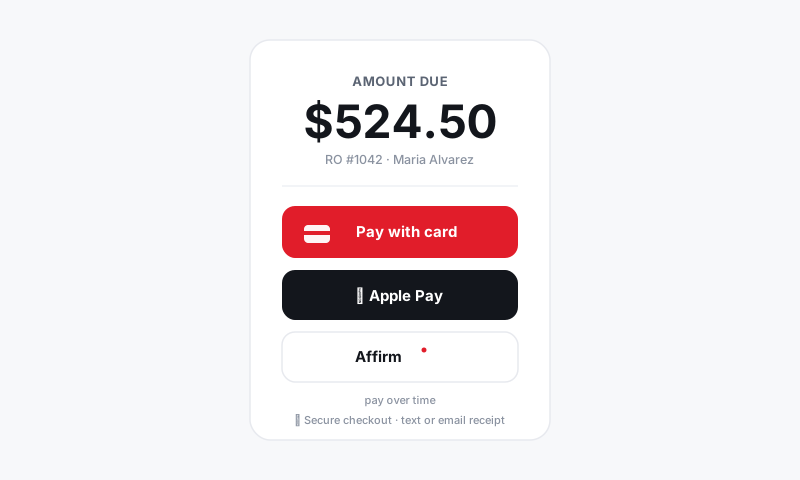
- Choose a method: card, Apple Pay, Cash App, cash, or a pay-over-time option.
- Run it. The RO shows the deposit on file and the remaining balance drops accordingly.
You can also request a deposit remotely: send a pay link by text or email and the customer pays from their phone before you order the part. See Sending an online invoice.
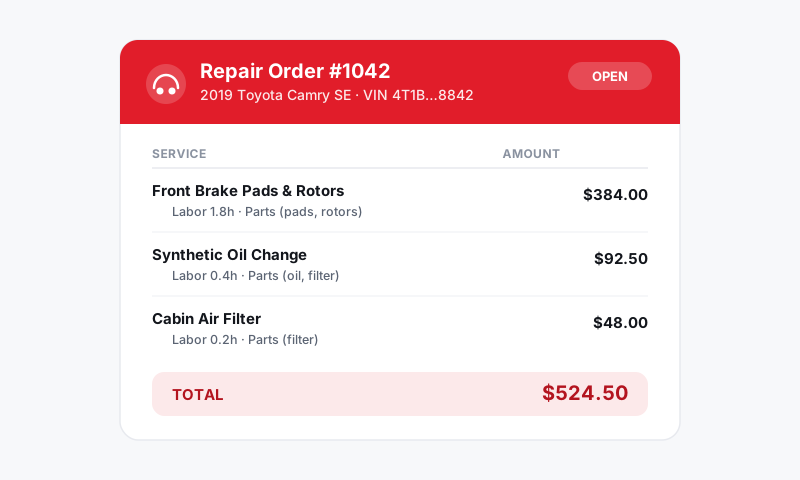
Good to know: The deposit is logged against this RO and shows in the totals immediately, so anyone who opens the ticket sees exactly what has already been paid.
Finish the job and apply it
- Complete and authorize the work as usual.
- At final Checkout, the deposit is already subtracted. The customer only owes the remaining balance.
- Collect that balance on any method, the RO flips to Paid, and the whole thing reconciles into your deposits.
Tips
- Tie the deposit to the special-order part in conversation: "This covers the part I'm ordering for you." It feels fair and reduces pushback.
- For non-returnable parts, consider a deposit that covers the part cost so you are never out of pocket if the customer walks.
- If the job is cancelled before work begins, you can refund the deposit from the RO. See Refunds and adjustments.
- A deposit collected by pay-over-time still pays your shop in full up front, so even your "hold" money is real money the same day.
Done right, a deposit costs you nothing and saves you from eating a special-order part or holding a bay for a customer who never comes back.
Still have a question about taking a deposit?
Contact support