Payments
Deposits, payouts, and reconciliation
See how payments batch into deposits, when they hit your bank, and how to match Pista to your bank statement.
Every card, wallet, and pay-over-time payment you take in Pista gets grouped into a deposit and sent to your bank. Understanding how that batching works, and how to reconcile it against your statement, is what keeps your books clean and your accountant happy. Here is how the money flows after checkout.
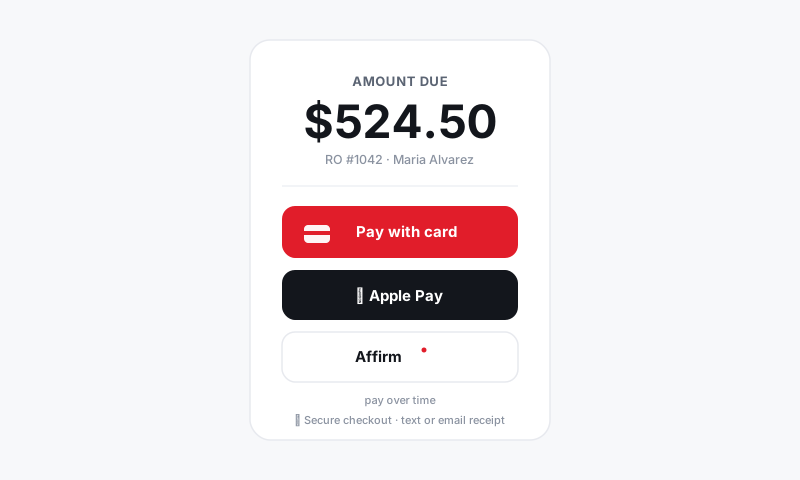
How payments become deposits
- Each payment posts to its RO the moment it clears.
- Pista groups the day's payments into a deposit batch.
- The batch settles to the bank account from your payments setup, usually within a couple of business days.
Good to know: A deposit on your bank statement is a batch, not a single sale. Several ROs roll into one deposit, which is why the bank figure rarely matches a single invoice.
Find your deposits
- Go to Reports, then Payments or Deposits.
- Pick a date range to see every batch that settled.
- Open a batch to see each payment inside it, the RO it belongs to, the method, and any fees.
This is the screen that turns one lump-sum bank deposit back into the individual sales that made it up.
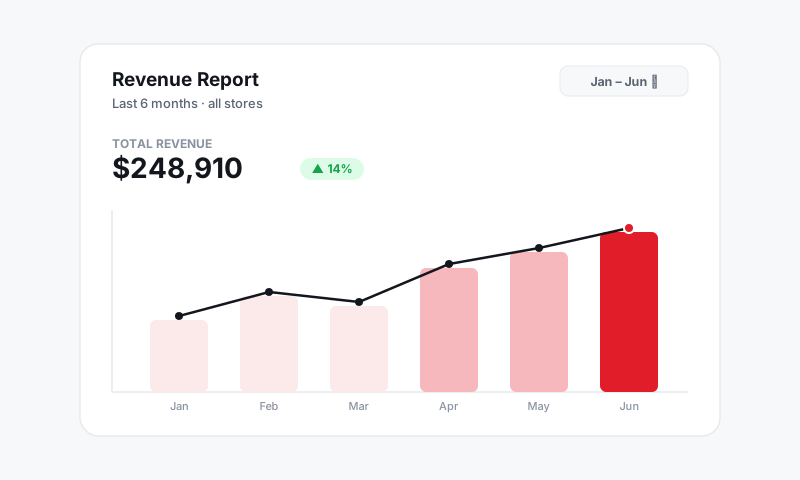
Reconcile against your bank
- Pull a deposit batch in Pista and the matching deposit on your bank statement.
- Confirm the net amount matches. Pista shows gross payments, processing fees, and refunds so the math lines up.
- Repeat per batch for the period you are closing.
Because every payment ties back to an RO, you can always trace a deposit down to the exact tickets behind it.
Refunds and adjustments in the batch
- A refund reduces the batch it belongs to and is clearly logged. See Refunds and adjustments.
- Pay-over-time payments settle to you in full, so they reconcile like any card payment even though the customer is paying the provider over time.
Tips
- Reconcile on a regular rhythm, weekly or at month-end, instead of letting batches pile up. Small mismatches are easy to catch fresh and miserable to chase months later.
- If a bank deposit looks short, check for refunds and processing fees in that batch before you assume something is wrong. The net almost always explains it.
- Running multiple stores? Filter deposits by store so each location reconciles to its own account. See Reports.
- Hand your bookkeeper read access to the Deposits report so they can reconcile without pulling you off the counter.
When deposits, payouts, and your bank statement all trace back to the same ROs, closing the books stops being a guessing game.
Still have a question about deposits, payouts, and reconciliation?
Contact support