Payments
Refunds and adjustments
Issue a full or partial refund, correct a wrong charge, and keep a clean audit trail on the repair order.
Sometimes a charge needs to come back: a part came in wrong, a customer overpaid, a deposit needs returning, or you comped a line as a goodwill gesture. Pista handles refunds and adjustments right on the RO so the money and the paper trail always match. Here is how to make it right without making a mess.
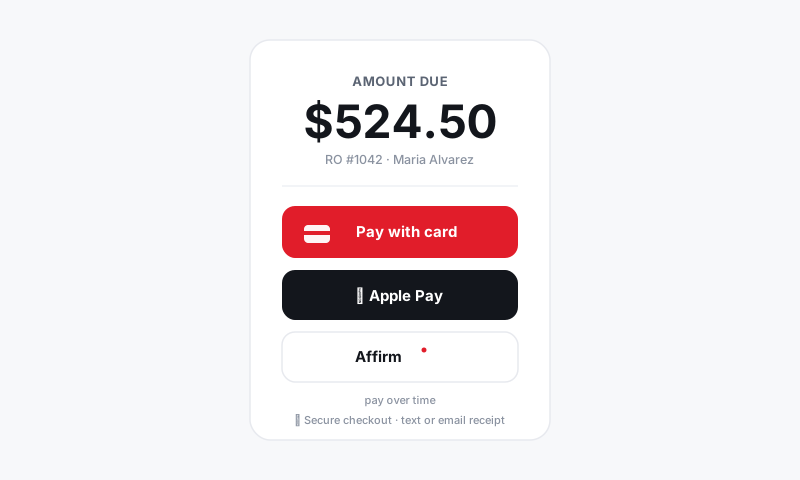
Refund a payment
- Open the paid RO and go to the Payments section.
- Find the payment you need to reverse and click Refund.
- Choose full or partial, and for partial enter the amount.
- Confirm. The refund goes back to the original payment method automatically, whether that was a card, Apple Pay, or Cash App.
Good to know: Refunds always return to the method the customer paid with. You cannot refund a card payment as cash through Pista, which is exactly what keeps your books and your processor in agreement.
Refund a deposit
If a job is cancelled before work starts:
- Open the RO and find the deposit in the Payments section.
- Click Refund and return the full deposit, or keep a portion if a non-returnable part was already ordered.
- The RO updates the balance and logs the refund.
Adjust before the customer pays
If you spot a mistake before collecting, fix the line item instead of refunding later. It is cleaner every time.
- Reopen the RO and correct the part price, labor, fee, or quantity.
- Add a discount line to comp a charge or apply a goodwill credit.
- The total updates live, so the invoice the customer sees is already right.
After a closed RO
A paid, picked-up RO is locked from accidental edits. To adjust one:
- An owner reopens the RO.
- Make the correction or issue the refund.
- Re-close the ticket. Every change is timestamped and attributed to the user who made it.
Tips
- Prefer adjusting before payment over refunding after. A discount line on the original invoice is simpler than a refund on your statement.
- Every refund and edit is recorded with who, what, and when, so you always have an audit trail if a customer or processor asks.
- Refunds reverse out of your deposit batch automatically, so your sales and gross-profit reports stay accurate. See Reports.
- For a dispute or chargeback, the RO history plus the signed authorization and inspection findings are your evidence. Keep them attached.
Mistakes happen. Handling them cleanly, on the record, and back to the right method is what keeps both your books and your reputation intact.
Still have a question about refunds and adjustments?
Contact support